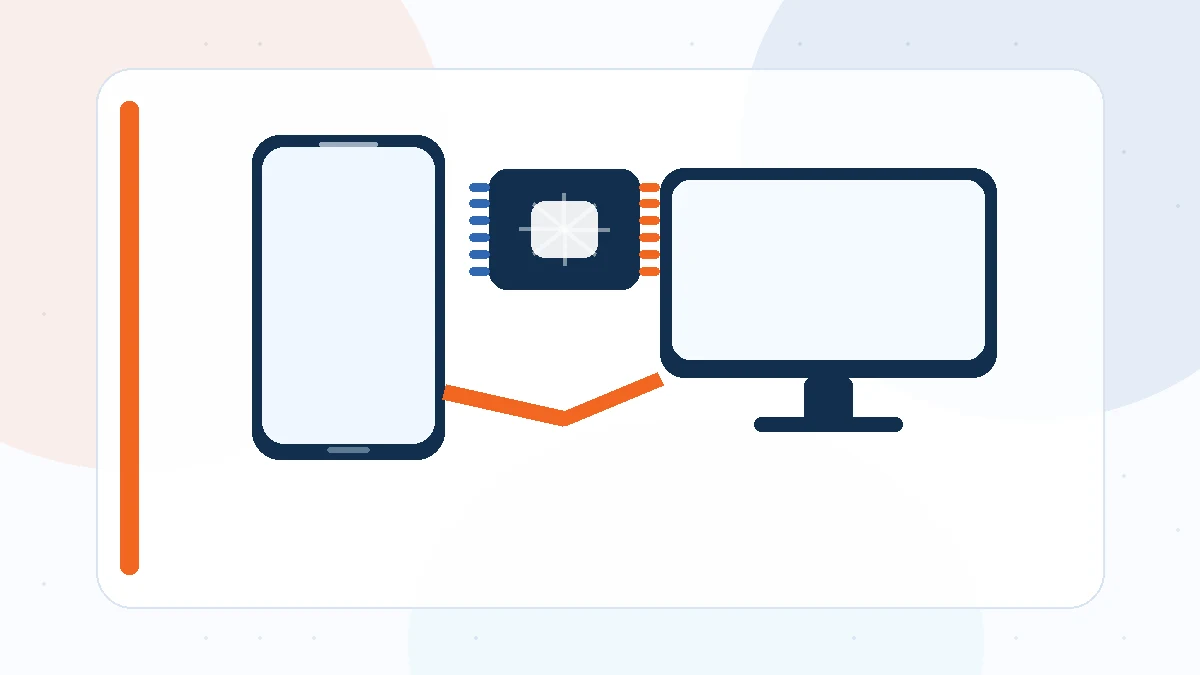
“MTK Driver” is often used as a broad label, but a MediaTek phone can expose several different USB interfaces. ADB, normal MTP connectivity, bootloader interfaces, and preloader-style ports serve different purposes. Knowing which interface you need is the key to choosing the right Windows driver.
Normal Android USB and ADB
When Android is fully booted, the phone may expose MTP for file transfer and ADB for development or debugging. ADB requires USB debugging to be enabled and authorized on the phone.
A normal ADB connection is different from the short-lived low-level port used by many MediaTek service procedures.
Preloader-style USB connection
A preloader interface can appear when a MediaTek device is connected while powered off or during early boot. It may remain visible only briefly. Windows needs a matching driver so compatible tools can catch that connection.
Because the port can disappear quickly, keep Device Manager open and connect the phone only when the software is ready.
Why one driver does not cover every case
Windows selects drivers based on hardware IDs and interface descriptors. A package that handles one MediaTek interface may not handle ADB or another USB function.
This is why “the driver is installed” is not enough information. You need to know which specific interface Windows is loading.
A simple identification method
Connect the phone in the mode required by your task and watch Device Manager. Note the category, device name, hardware ID, and whether a warning icon appears.
Once you identify the interface, choose the matching driver and troubleshoot that path only. This avoids unnecessary driver replacements and makes connection problems easier to isolate.
Final checklist
Before changing another driver, confirm the Windows architecture, the exact USB mode, a known-good data cable, the Device Manager hardware ID, and any visible error code. A driver is only one layer of the connection, so these checks help you avoid unnecessary reinstallations.
For a broader overview, return to the MTK Driver homepage or review the complete guide library.